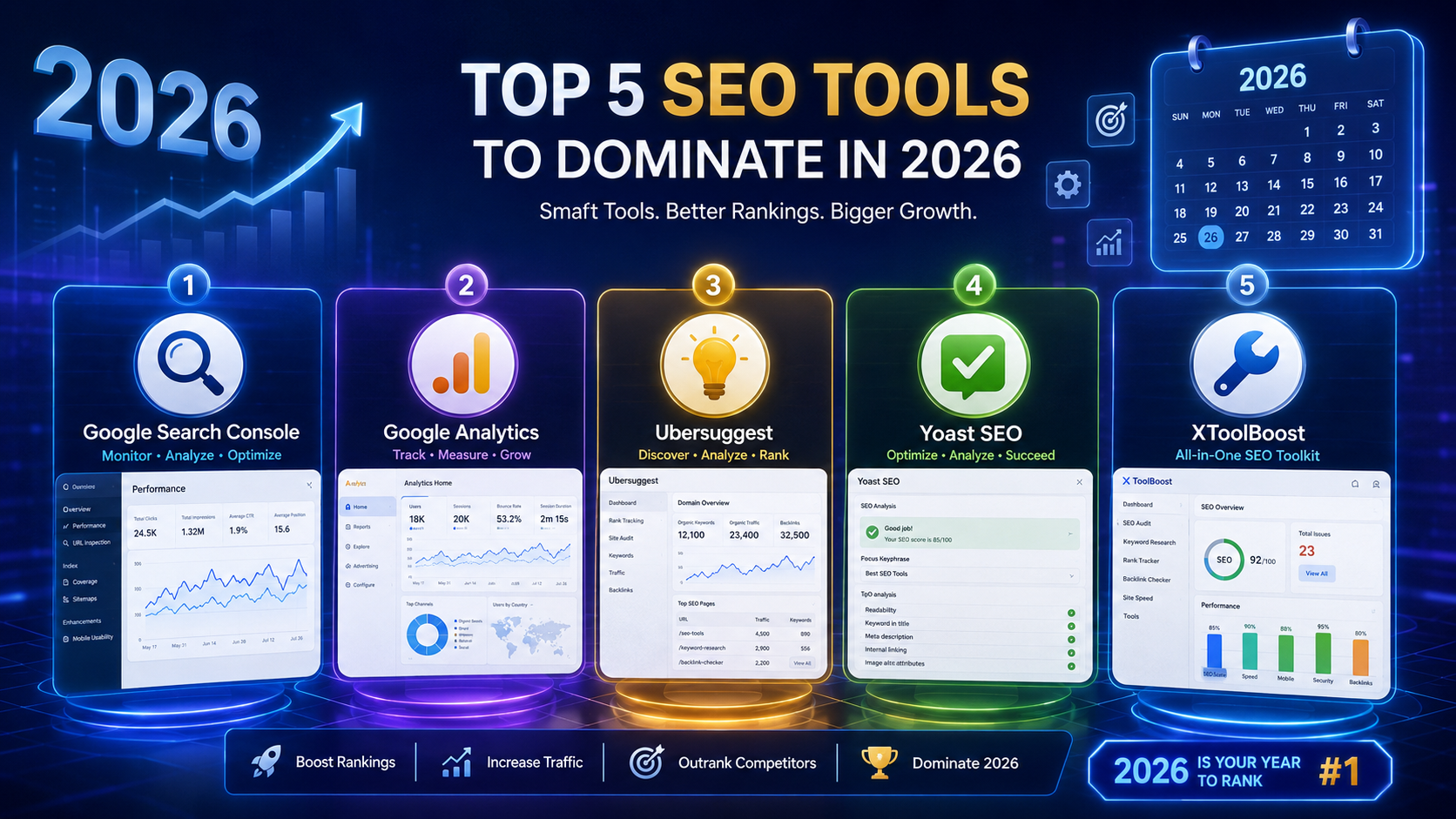
Key takeaways
- Five free tools cover 90% of what a small site needs for SEO — paid tools mainly help at scale
- The essential categories are: meta tags, crawl directives, structured data, content quality, and Search Console
- Google Search Console is the only tool in this list that you cannot replace — it is free and essential
- Each tool below has limits — knowing what a tool does not do is as important as knowing what it does
- You can rank well in 2026 with only free tools and consistent content, especially for niche topics
Every year, dozens of "best SEO tools" articles appear that are really just paid affiliate lists. This one is different. It covers five free tools that solve the specific SEO problems small sites and independent bloggers actually face, and it is honest about what each one can and cannot do.
The tools below fall into five categories. Together they cover on-page SEO, crawl directives, structured data, content quality, and search performance monitoring — the five areas where free tools genuinely deliver results. Missing any one of them leaves a gap that paid tools cannot fill on their own.
| Tool | Category | Cost | Best for |
|---|---|---|---|
| Meta Tag Generator | On-page SEO | Free | Writing correct title and meta tags |
| Sitemap & Robots Generators | Crawl control | Free | Getting pages indexed properly |
| Schema Markup Generator | Structured data | Free | Rich results in search listings |
| Keyword Density & Readability | Content quality | Free | Checking content before publishing |
| Google Search Console | Monitoring | Free | Tracking indexing, queries and clicks |
1. Meta Tag Generator — for on-page SEO
Meta Tag Generator
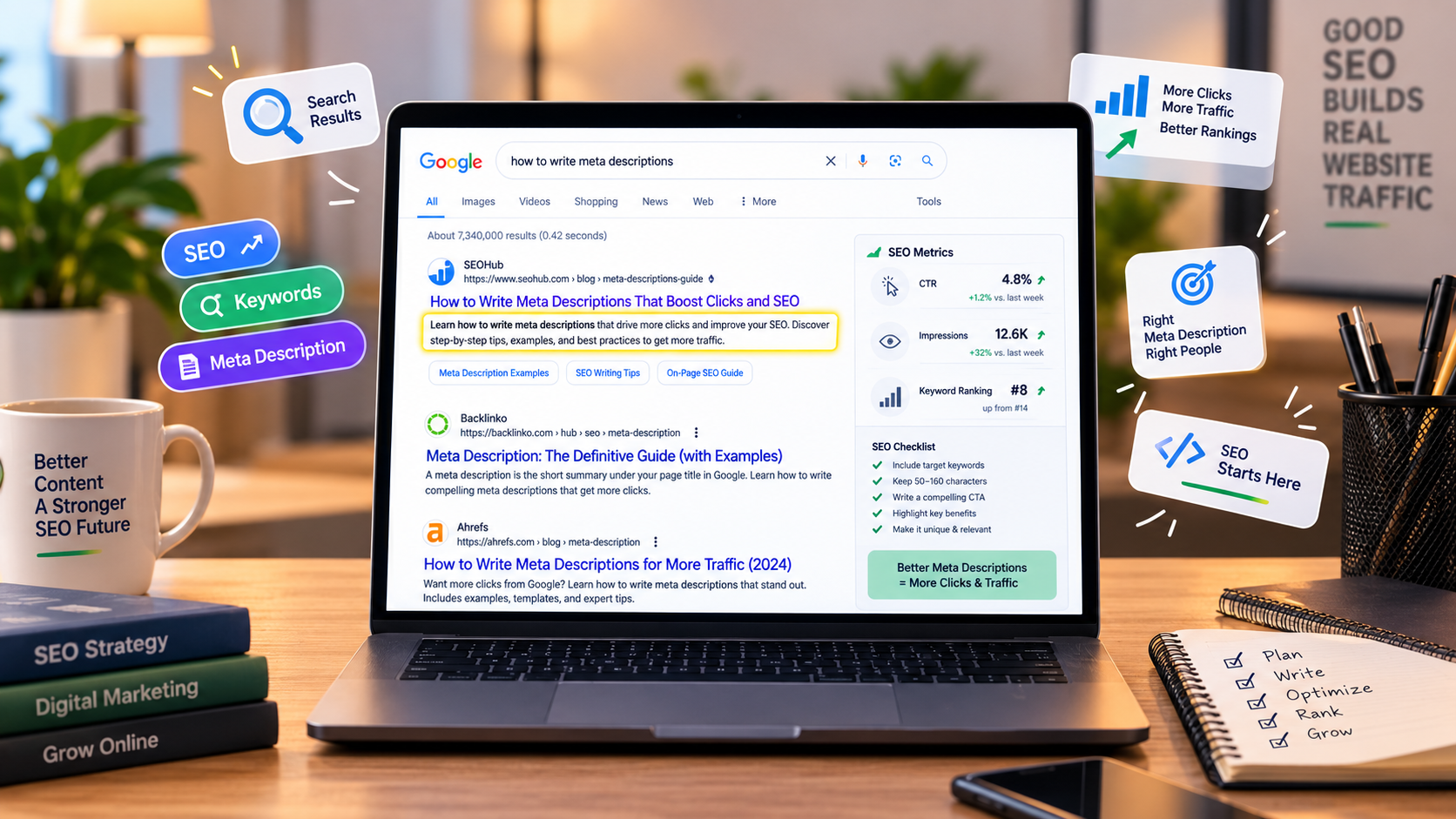
Meta tags are the invisible HTML that controls how your page appears in search results and when shared on social media. The <title> tag becomes the blue clickable link. The <meta name="description"> becomes the grey summary below it. Open Graph tags control the preview when someone shares the page on Facebook, LinkedIn or WhatsApp. Twitter card tags do the same for X (Twitter).
Writing these by hand is error-prone — a missing quote or a wrong attribute name silently breaks the preview without any warning. A generator handles the boilerplate so you can focus on the content.
What it does well
- Builds all four tag types (title, description, Open Graph, Twitter card) from one form
- Warns you when text is too long and would be truncated
- Outputs clean HTML you can paste straight into your
<head> - Shows a live preview of how the result will look in search and social
What it does not do
- It does not research keywords for you — you still need to know what to target
- It does not check whether the tags match the page content — that is on you
- It cannot guarantee Google will use your description — Google rewrites descriptions often
How to use it in 5 minutes
- Open the Meta Tag Generator
- Enter your page title (aim for under 60 characters)
- Write a description (aim for 120–155 characters)
- Add your URL, image URL and Open Graph type
- Copy the generated HTML and paste it into your page's
<head>section
Once it is in place, check the result using the tool below.
2. SERP Snippet Preview — for testing before publishing
SERP Snippet Preview
Before you publish a page, you should know how it will actually appear in search. Long titles get cut off. Descriptions that run past the pixel limit lose the interesting part. Words you did not expect get bolded because they match the searcher's query.
A SERP preview tool simulates what Google shows on both desktop and mobile, so you can catch truncation before the page goes live. It is a five-minute check that saves you from a listing that looks unfinished for months.
What it does well
- Shows desktop and mobile previews side by side
- Reveals exactly where Google would cut your text short
- Lets you test different titles and descriptions without publishing
- Highlights how keywords in your text would be bolded for a given query
What it does not do
- It cannot guarantee Google will show your exact text — previews are simulations
- It does not test different search engines (Bing and Yahoo render differently)
SEO Title Analyzer
Check whether your page title fits without truncation — measures length, pixel width and keyword placement.
3. Sitemap & Robots.txt Generators — for crawl control
Sitemap & Robots.txt Generators
Two small files decide how search engines interact with your site. The robots.txt file tells crawlers which paths they are allowed to visit. The sitemap.xml file lists every page you want indexed, along with the last modified date, so Google knows when to come back.
Both files are simple, text-based, and easy to get wrong. A single typo in robots.txt can accidentally block your entire site from Google. A malformed sitemap will be silently rejected by Search Console without a clear error message.
What they do well
- Generate valid, spec-compliant files that Google accepts
- Support multiple sitemap types (standard pages, images, news, video)
- Handle edge cases like priority values, changefreq and lastmod dates
- Give you a robots.txt that works without blocking critical paths
What they do not do
- They do not automatically update when you add new pages — you must regenerate
- They cannot tell Google to crawl your site faster — only to know about your pages
- A sitemap is a hint, not a command — Google may ignore it
4. Schema Markup Generator — for rich results
Schema Markup Generator
Schema markup is structured data that tells search engines what your content means, not just what words it contains. When used correctly, it can add star ratings, FAQ dropdowns, pricing, breadcrumbs and event dates directly to your search listing. Those extra visual elements take up more space and reliably improve click-through rate.
The problem is that schema uses a specific JSON-LD format that is easy to get subtly wrong. One missing comma or invalid date format and Google ignores the entire block without telling you. A generator produces correct syntax and validates the structure as you fill it in.
What it does well
- Supports common types: Article, FAQ, HowTo, Product, Organization, Breadcrumb, Person, Event, Recipe
- Outputs JSON-LD, the format Google recommends
- Generates correct nested structures that would take hours to write by hand
- Shows exactly where to paste the code in your HTML
What it does not do
- It does not guarantee rich results — Google decides case by case
- It cannot detect when your schema does not match the visible page content (Google will penalize mismatches)
- It does not validate against Google's Rich Results Test — you should still run that separately
5. Keyword Density & Readability Checkers — for content quality
Keyword Density & Readability Checkers
Two of the most common content mistakes are easy to miss without a tool: keyword stuffing and readability problems. Both hurt a page, and both are fixable in five minutes if you catch them before publishing.
The keyword density checker shows how often each word and phrase appears in your text, as a percentage of total words. When a single keyword appears more than roughly 2–3% of the time, the page starts to read unnaturally and Google may treat it as spam. Seeing the actual number makes the problem obvious — it is much harder to judge by eye.
The readability checker scores your content against standards like Flesch Reading Ease and Flesch-Kincaid Grade Level. Long sentences and complex words lower the score. Aiming for a grade level of 7–9 works well for most audiences — readable without being condescending.
What they do well
- Show concrete numbers instead of vague judgments
- Highlight specific problem sentences and repeated words
- Run instantly — no waiting for a report
- Work on drafts, so you can fix problems before publishing
What they do not do
- Keyword density is not a Google ranking factor — it is an editing aid, not an algorithm
- Readability scores do not measure whether your content is actually useful
- Neither tool can tell you whether your topic is worth writing about
Bonus: Google Search Console — the one tool you cannot skip
Google Search Console
Search Console is Google's own free tool for site owners. It is not on this list as a substitute for the tools above — it is a complement. Where the others help you build and prepare pages, Search Console shows you what actually happens after Google crawls them.
Everything else on this list is about optimising before publishing. Search Console is about learning from what happened after. Without it, you are flying blind.
What it does well
- Shows which search queries bring impressions and clicks to your site
- Alerts you to indexing problems — pages Google has excluded or refused to index
- Reports Core Web Vitals issues on real user visits (not just lab tests)
- Shows mobile usability problems
- Confirms whether your sitemap has been accepted
- Lets you submit URLs for faster indexing
What it does not do
- It does not give you keyword suggestions or competitor data
- It does not show you backlink profiles in detail — only a small sample
- It does not track rankings across other search engines
- Its data has a delay of 2–3 days and some queries are grouped or hidden for privacy
What these five tools do not cover
These tools handle the technical and on-page side of SEO. They do not handle three other areas that matter for ranking:
- Link building. Backlinks from other sites remain one of the strongest ranking signals. Free tools cannot build them — only time, relationships and good content do.
- Competitor analysis. Seeing what your competitors rank for and how their content is structured requires paid tools (Ahrefs, Semrush, Similarweb) or manual research.
- Keyword research at scale. Free keyword tools exist — Google Search Console, Google Trends, Keyword Planner — but they do not surface the hundreds of low-competition long-tail queries that paid tools do.
That said, small sites and personal blogs can rank well using only the five tools above plus consistent content. The gap between free and paid tools matters most at scale — once you have thousands of pages or a large team, the paid tools pay for themselves. Below that threshold, free tools plus good writing wins.
Browse the full SEO toolkit
Meta tags, sitemaps, schema, UTM builder, slug generator, robots.txt and more — all free, all browser-based.
More free SEO tools worth knowing
The five above handle the essentials, but a few more free tools are worth adding to your workflow once you have mastered them. Each one solves a specific, common problem.
| Tool | Use it when |
|---|---|
| Canonical Tag Generator | Two pages have very similar content and you need to tell Google which is the original |
| Hreflang Generator | Your site has the same content in multiple languages |
| Open Graph Generator | Pages need a better preview when shared on Facebook or LinkedIn |
| Twitter Card Generator | You want larger, more visual previews on X (Twitter) |
| URL Slug Generator | You are creating new pages and want clean, keyword-friendly URLs |
| UTM Link Builder | You are running a campaign and want to track traffic in Google Analytics |
| Broken Link Checker | You have made changes and want to catch 404s before visitors do |
Putting it together: a free SEO workflow
Here is what a typical workflow looks like when you use all five tools together for a new page:
- Write the content. Focus on answering the reader's question clearly and completely.
- Run the readability check. Break up any sentences that are too long or too dense.
- Run the keyword density check. Catch any accidental over-repetition before publishing.
- Generate the meta tags. Title, description, Open Graph, Twitter card — all from one form.
- Preview the SERP. Confirm the title and description look correct on desktop and mobile.
- Add schema markup if the page fits a supported type (article, FAQ, product).
- Publish. Add the URL to your sitemap and regenerate it.
- Submit to Search Console if it is a priority page you want indexed quickly.
- Monitor over the next 2–4 weeks for indexing status and query performance.
The whole process adds about 15 minutes to writing a post. That is a worthwhile trade for a page that gets indexed correctly and ranks for the right queries.
The bottom line
You do not need to pay for SEO tools to rank well in 2026. The five tools above — meta tag generation, SERP preview, sitemap and robots generation, schema markup, and content quality checks — cover the fundamentals, and Google Search Console gives you the feedback loop you need to improve over time.
Paid tools become worth the investment once you have hundreds of pages, a team, or a serious content operation. Before that point, the gap between free and paid is smaller than the marketing suggests. Consistency, good writing and a solid technical foundation matter far more than which tools you use.