Key takeaways
- Meta descriptions are not a ranking factor — Google has said this explicitly — but they strongly affect whether people click your result
- Google truncates by pixel width, not character count, so the "155 characters" rule is a rough approximation, not a hard limit
- Google rewrites descriptions constantly; a well-written one increases the odds of yours being used, but cannot guarantee it
- The single biggest mistake is writing descriptions that describe the page instead of answering the searcher's question
- A specific, useful description will beat a clever one almost every time
What a meta description actually is
A meta description is a short summary that lives in the <head> of an HTML page. It does not appear on the page itself — visitors never see it while browsing your site. Its only job is to appear as the snippet text under the page title in Google search results.
In the HTML it looks like this:
<meta name="description" content="Learn how to write meta descriptions that earn clicks. Covers pixel limits, common mistakes, and how Google generates snippets.">
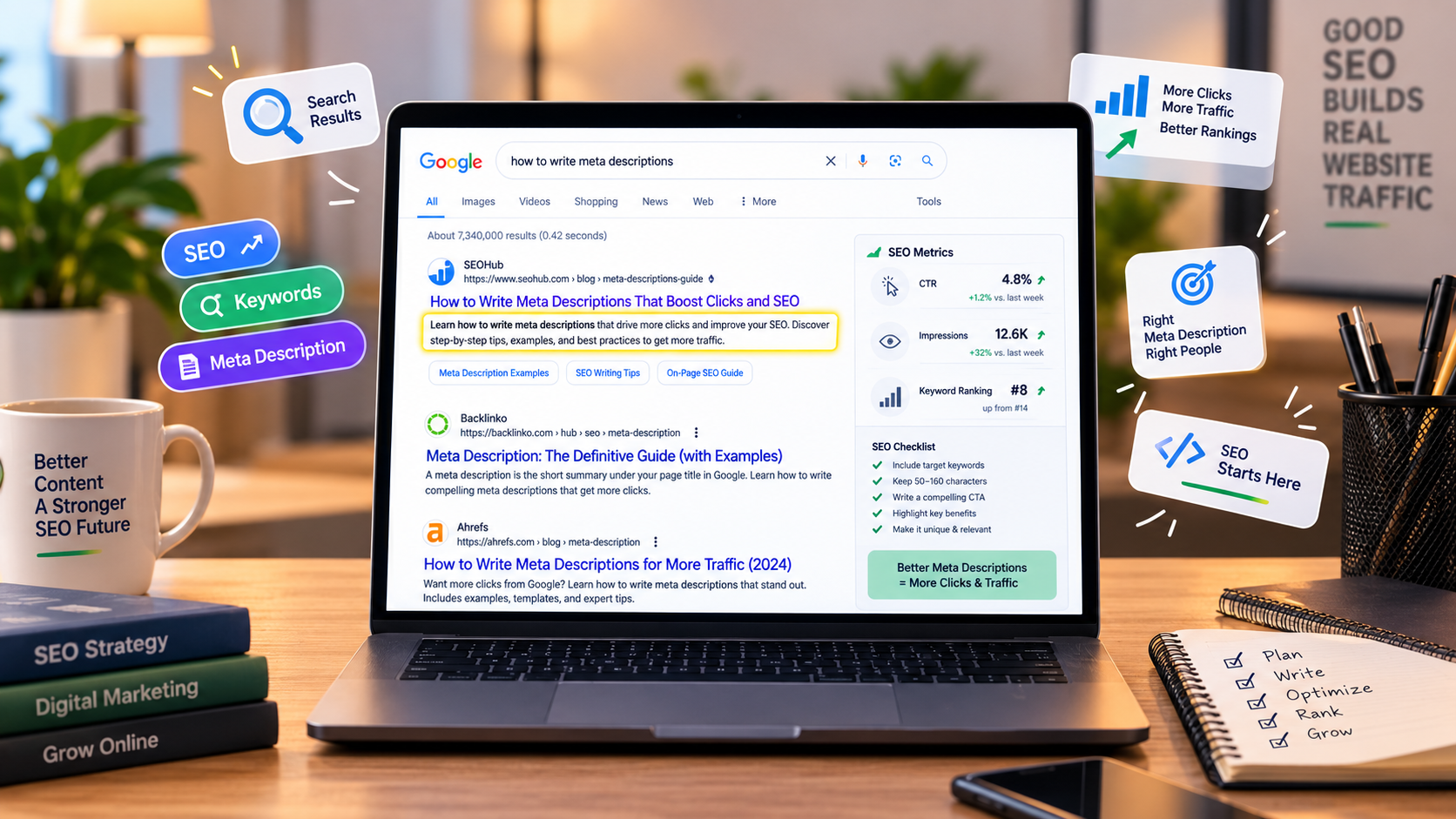
Every search engine reads this tag, but Google is the one you are optimising for. In Google's search results, this description appears directly below the blue page title, usually followed by the URL and the "last updated" date. On mobile it is trimmed to fit less space. On desktop it gets slightly more room.
If that description looks like it was written for the searcher, they click. If it reads like leftover keyword-stuffed garbage, they scroll past. That is the entire game.
Why meta descriptions matter (and why they don't)
The most persistent myth is that meta descriptions help you rank. They do not. Google has stated this publicly, more than once: meta descriptions are not used as a ranking signal. Filling yours with keywords will not push your page higher in the results.
So why bother?
Because ranking is only half the job. Getting to position 4 is worth nothing if the searcher skips your result and clicks position 5 instead. Click-through rate — the percentage of people who see your listing and click it — decides whether your hard-earned ranking translates into actual traffic.
Here is what a meta description affects directly:
| Affects | Does not affect |
|---|---|
| Whether people click your result | Where your page ranks in search |
| The impression users form of your page before arriving | How fast your page loads |
| What snippet Google shows (sometimes) | Whether Google indexes your page |
| The kind of visitor who arrives on your site | Your domain authority or backlinks |
The practical upshot: a good description will not make you rank higher, but it will help you win more of the clicks you are already entitled to. For competitive search terms, that difference can be substantial.
Meta Tag Generator
Create complete, copy-ready meta tags — title, description, Open Graph and Twitter cards — for any page.
The 155-character rule is wrong
Nearly every SEO blog repeats some version of "keep your meta description under 155 characters." This advice comes from an old era when Google was measuring in characters. It does not match how Google actually truncates today.
Google truncates meta descriptions by pixel width. On desktop, descriptions are typically cut at around 920 pixels. On mobile, at around 680 pixels. Because each character has a different width — an "i" is narrow, an "m" is wide, an "W" is wider still — the number of characters that fit in that pixel budget varies.
A description written mostly in lowercase and thin letters might fit 165 characters. A description full of capital W's and M's might only fit 130. The rule of thumb still holds: somewhere between 120 and 155 characters is a safe target for most prose. But do not treat 155 as a hard ceiling, and do not pad shorter text just to hit it.
That example runs about 152 characters and fits comfortably on both desktop and mobile. Now look at what happens when you go longer:
The second version puts the most useful information — what the article covers — past the cutoff point. The reader never sees the payoff.
The practical rule
Write the important part first. If you have to choose between fitting everything and fitting the most useful half, fit the useful half. Google does not care where your sentence ends. The reader cares whether the visible portion makes sense.
Google rewrites descriptions — get used to it
This is the part that surprises people the most. You can write a perfect meta description and Google will still sometimes replace it with something else.
Google has explained in its own documentation that it generates descriptions algorithmically. Your meta description is one input into that system, not a guaranteed output. In practice, Google tends to override your description when:
- The search query does not match your description well (Google prefers to show something that echoes the searcher's terms)
- The same or a very similar description appears on multiple pages of your site
- Google can extract a more relevant snippet directly from the page's body content
- The description is too short, generic or keyword-stuffed
What can you do about it? Not much, directly. But you can improve your odds by writing descriptions that:
- Answer the question the page is targeting
- Include the primary keyword or phrase naturally — not stuffed
- Are unique across your site (no template-generated duplicates)
- Read as a genuine, human-written summary rather than a marketing pitch
When Google does rewrite, it usually pulls a sentence from the page that directly answers the query. If your page content is well-structured — clear H2s, direct answers near the top of sections — the automatic snippet Google generates will still be decent.
How to write a meta description that works
Writing good descriptions is not difficult, but it is specific. There is a repeatable process. Follow it and you will produce a competent description every time.
Step 1 — identify the searcher's question
Every page should target one primary search query. Before writing the description, write that query down. For a page titled "How to Convert PDF to Word", the query is something like "how to convert PDF to Word" or "PDF to Word converter free". The description needs to answer that specific question, not the broader topic.
Step 2 — lead with the answer or the promise
The first 10–15 words carry the most weight because they are always visible, even on the smallest mobile screen. Do not waste them on "Welcome to our site" or "In this article we will explore." Say the useful thing immediately.
Step 3 — be specific, not clever
Specificity is what separates a description that earns clicks from one that gets skipped. Vague language ("high quality", "professional service", "trusted by many") tells the searcher nothing. Numbers, named features and concrete outcomes do the work instead.
| Instead of | Write |
|---|---|
| "High-quality PDF tools" | "Merge, split and compress PDFs up to 500 MB" |
| "Fast and easy to use" | "Processes files in under 3 seconds in your browser" |
| "Professional design services" | "Brand colours, palettes and font pairing in one place" |
| "Trusted by thousands of users" | "Used by 40,000+ students and freelancers" (only if true) |
The last row is a caution — do not invent numbers. Only cite a specific figure if you can back it up. If your user count is small, say something else specific instead.
Step 4 — include the primary keyword naturally
Because Google bolds the words in the description that match the searcher's query, including the primary keyword can make the result stand out visually. Write it into a natural sentence. Do not repeat it, do not capitalise it artificially, and do not stuff secondary keywords in alongside it.
Step 5 — end with a reason to click
The final clause is a soft call to action. Not a pushy "click here now" — those read as spam — but a brief signal of what the searcher gets by clicking. Examples:
- "Includes a free generator tool."
- "Full step-by-step instructions."
- "Works with any browser."
- "No sign-up required."
These small additions reassure the searcher that the click is worth it and lower the perceived effort of visiting your site.
Common mistakes to avoid
Most bad meta descriptions fall into one of a few categories. If you avoid these, you are already ahead of the majority of pages in any search result.
Duplicating descriptions across pages
This is the single most common mistake on large sites. When every product page inherits the same "Buy our great products at amazing prices" template, Google detects the pattern and generates its own description from the page content instead. Every page needs its own description, even if that means writing hundreds of them.
Describing the page instead of the answer
"This page explains how to calculate GPA" tells the reader nothing they could not already see from the title. "Calculate your GPA on a 4.0 or 5.0 scale — enter your grades and credits, see the exact result and letter equivalent" gives them a reason to click.
Using quotes that get truncated
If you start a description with a quotation mark, Google will sometimes wrap the entire description in quotes, treating it as a citation. This looks odd in the search results and can hurt click-through. Avoid opening with a quote.
Overpromising
Writing "instantly" or "guaranteed" or "the best free tool online" might get one more click, but it invites a bounce once the reader arrives. A meta description is a promise. Keep it, and the reader stays.
Ignoring the mobile experience
Mobile SERPs show less text than desktop. If your description only makes sense when the full 155 characters are visible, mobile searchers see an incomplete, confusing fragment. Test your descriptions in a SERP preview tool to check how they appear on both screen sizes.
A meta description checklist
Before you publish any page, run its description through this list. If it fails more than one point, rewrite it.
Meta description checklist
- Does the description answer the searcher's likely query within the first 15 words?
- Is it unique to this page — not shared with any other URL on the site?
- Does it contain the primary keyword in a natural sentence?
- Is the visible portion (first 120–155 characters) self-contained and understandable?
- Does it avoid generic filler phrases like "welcome to" or "in this article"?
- Is there at least one specific, concrete detail — a number, a feature name, a concrete outcome?
- Have you avoided overpromising words like "guaranteed", "best" or "instantly"?
- Does it end with a soft reason to click, without being pushy?
- Have you previewed it on both desktop and mobile SERP layouts?
- Does it accurately reflect what the page actually delivers?
Tools that help
You can write a good meta description by hand — nothing on this list requires software. But a few free tools make the process faster and reduce errors:
- Meta Tag Generator — builds a complete set of meta tags (title, description, Open Graph, Twitter) for a page in one form, ready to paste into your HTML.
- Meta Description Generator — helps draft a description based on the page topic and primary keyword.
- SERP Snippet Preview — shows exactly how your title and description will appear in Google's desktop and mobile results, including truncation.
- SEO Title Analyzer — checks title length, keyword placement and pixel width; a companion to description analysis.
None of these replace judgement. A description that is short, specific and honest will outperform one that hits every character count perfectly but says nothing.
The bottom line
Meta descriptions occupy a strange place in SEO. They do not help you rank, they are often rewritten, and they consume time on pages that already exist. But they are the single biggest lever you have over click-through rate, and click-through rate determines whether all that ranking effort actually turns into traffic.
The rules are simple: answer the searcher's question, be specific, keep the useful part first, do not stuff keywords, do not overpromise, and preview the result on both desktop and mobile. Do that consistently and your results will earn more clicks than the pages around them — even the ones that outrank you.