📄 How to Merge PDF Files for Free (in 2 Minutes)
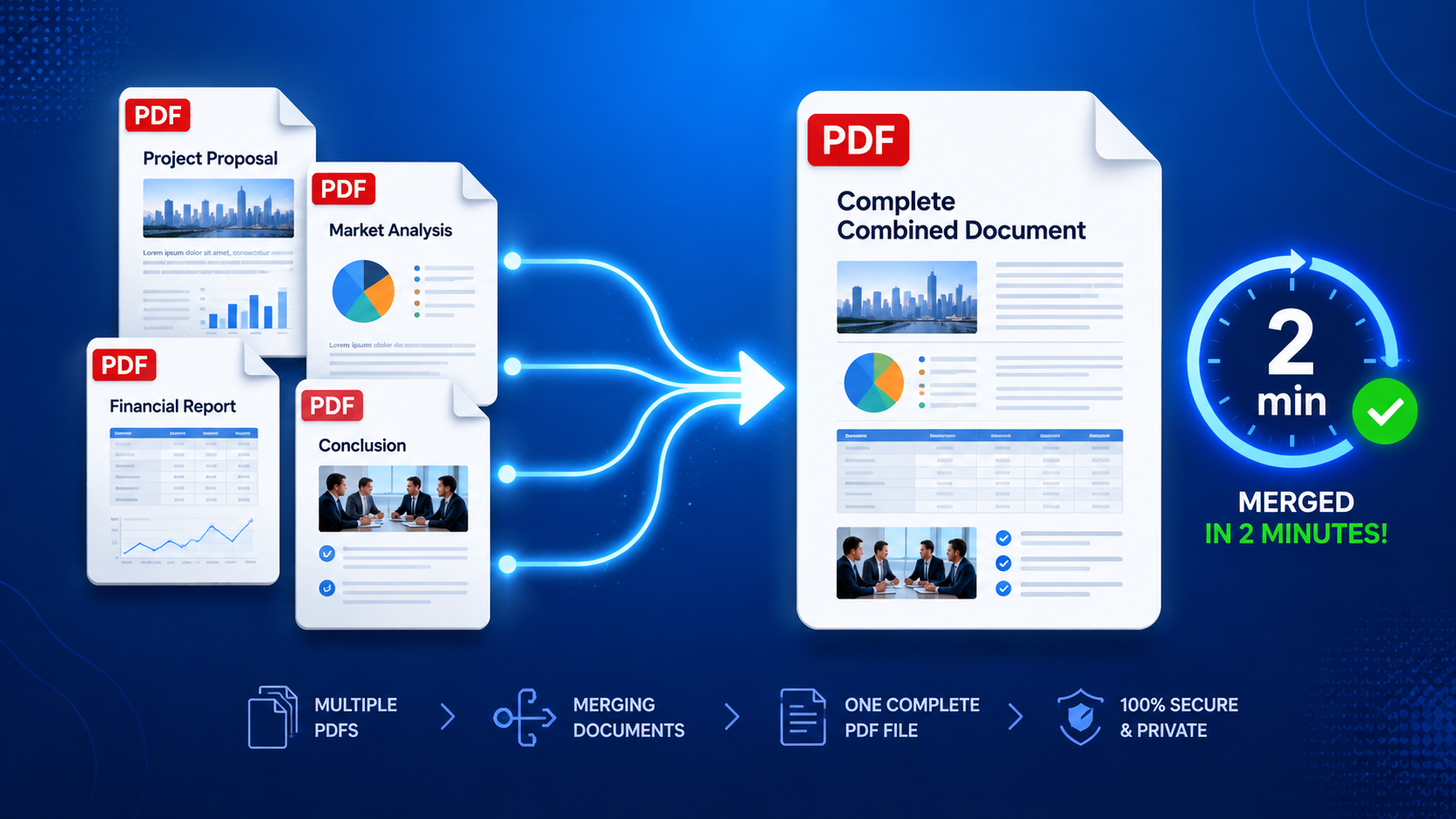
Have you ever needed to combine multiple PDF files into one single document? Whether you're merging scanned documents, combining chapters of a report, or creating a single file from multiple contracts, PDF merging is a common task.
In this guide, I'll show you how to merge PDF files for free – no software download, no sign-up, and no watermarks. Just a simple, fast way to combine your PDFs.
🎯 Why Merge PDF Files?
| Reason | Why It Helps |
|---|---|
| Organize Documents | Combine multiple files into one for easy management |
| Send as One File | Avoid sending multiple attachments |
| Professional Presentation | Create clean, complete reports |
| Save Time | No need to open multiple files |
| Reduce Clutter | Keep your files organized |
🛠️ Method 1: Using XToolBoost Merge PDF Tool (Fastest & Free)
This is the quickest and easiest method – no registration, no software download, and completely free.
Step-by-Step Guide:
Step 1: Open the Merge PDF Tool
Visit our free Merge PDF tool. It works on any device – desktop, tablet, or mobile.
Step 2: Upload Your PDF Files
Click the upload button and select the PDF files you want to merge. You can select multiple files at once.
Step 3: Arrange Files (Optional)
If needed, you can drag and drop to reorder the files before merging.
Step 4: Click "Merge PDF"
Once your files are uploaded, simply click "Merge". Your PDFs will be combined into one file within seconds.
Step 5: Download Your Merged PDF
After merging, your combined PDF file will automatically download. That's it! 🎉
Total Time: Less than 2 minutes.
Why Choose XToolBoost?
| Feature | Benefit |
|---|---|
| 100% Free | No hidden charges, no subscription |
| No Sign-Up Required | Use instantly without creating an account |
| No Watermarks | Your merged PDF is clean and professional |
| Fast Processing | Merge in seconds, not minutes |
| Works on All Devices | Desktop, tablet, and mobile |
| Secure | Your files are processed locally and deleted after download |
🔄 Method 2: Using Desktop Software
For Windows Users
Using Adobe Acrobat (Paid)
- Open Adobe Acrobat
- Click Tools → Combine Files
- Select the PDF files you want to merge
- Click Combine
- Save the merged PDF
Using Free Alternatives
| Software | Pros | Cons |
|---|---|---|
| PDFsam (PDF Split and Merge) | Free, open-source | Requires download |
| Nitro PDF | User-friendly | Limited free version |
| Foxit Reader | Good features | Some limitations in free version |
For Mac Users
Using Preview App (Built-in)
- Open Preview
- Open the first PDF
- Go to View → Thumbnails
- Drag other PDFs into the thumbnail sidebar
- Arrange in the correct order
- Go to File → Export as PDF
📱 Method 3: Using Mobile Apps
| App Name | Platform | Pros | Cons |
|---|---|---|---|
| XToolBoost Merge PDF | Browser | ✅ 100% Free, no sign-up | Requires internet |
| Adobe Acrobat Reader | iOS & Android | Free | Has watermarks |
| PDF Merge | iOS & Android | Easy to use | Ads and limits |
| iLovePDF | iOS & Android | Good features | Limited free version |
💡 Pro Tips for Merging PDFs
1. Check File Order
Before merging, make sure your files are in the correct order. The final PDF will follow the order you upload.
2. Use File Names as References
Name your files clearly (e.g., "Chapter1.pdf", "Chapter2.pdf") so you know the order.
3. Check File Size
If your merged PDF is too large, use our Compress PDF tool to reduce the file size.
4. Verify Before Sending
Always open and check the merged PDF before sending it to ensure all pages are in the correct order.
5. For Large Documents
If you're merging many files (10+), consider merging in smaller batches to avoid any issues.
📊 Comparison: Free vs Paid PDF Mergers
| Feature | Free Tools (XToolBoost) | Paid Tools (Adobe) |
|---|---|---|
| Price | ✅ Free | ❌ $15+/month |
| Sign-Up Required | ✅ No | ❌ Yes |
| Watermarks | ✅ No | ❌ Some have watermarks |
| Processing Speed | ✅ Fast | ✅ Fast |
| File Size Limit | ✅ None | ❌ Some limits |
| Works on Mobile | ✅ Yes | ✅ Yes |
| Additional Tools | ✅ Yes (compress, split, etc.) | ✅ Yes |
❓ Frequently Asked Questions
Yes! XToolBoost offers a completely free Merge PDF tool with no hidden charges.
No. You can use the tool instantly without creating an account.
There's no strict limit. You can merge as many PDFs as you need.
There's no strict file size limit. Very large files may take slightly longer to process.
No. XToolBoost does not add any watermarks to your merged PDF.
Yes. You can arrange files in the order you want before merging.
Yes. Your files are processed locally and automatically deleted after download. We never store your documents.
Yes. Our tool works on any device with a web browser – desktop, tablet, and mobile.
📝 Final Thoughts
Merging PDF files doesn't have to be complicated or expensive. With XToolBoost's free Merge PDF tool, you can combine multiple PDFs in under 2 minutes – completely free, no sign-up required.
Whether you're a student, professional, or just someone who needs to organize documents, this tool makes PDF merging simple and fast.
Don't waste time with complicated software. Merge your PDFs today for free.